Editing Service Items
This article will guide you through the editing capabilities that Presenter offers for each Service Item. Before you begin, please ensure you have read Intro to Services and Items.
Once your Service Items have been added to your service, you can still make changes to each one. Click on a Service Item to see a pencil icon appear next to it. Additionally, the middle section of Presenter will change to provide a more detailed view of all the items in your service. To edit an item, click on the pencil icon next to the item or from the center of Presenter select Edit followed by Edit service item.
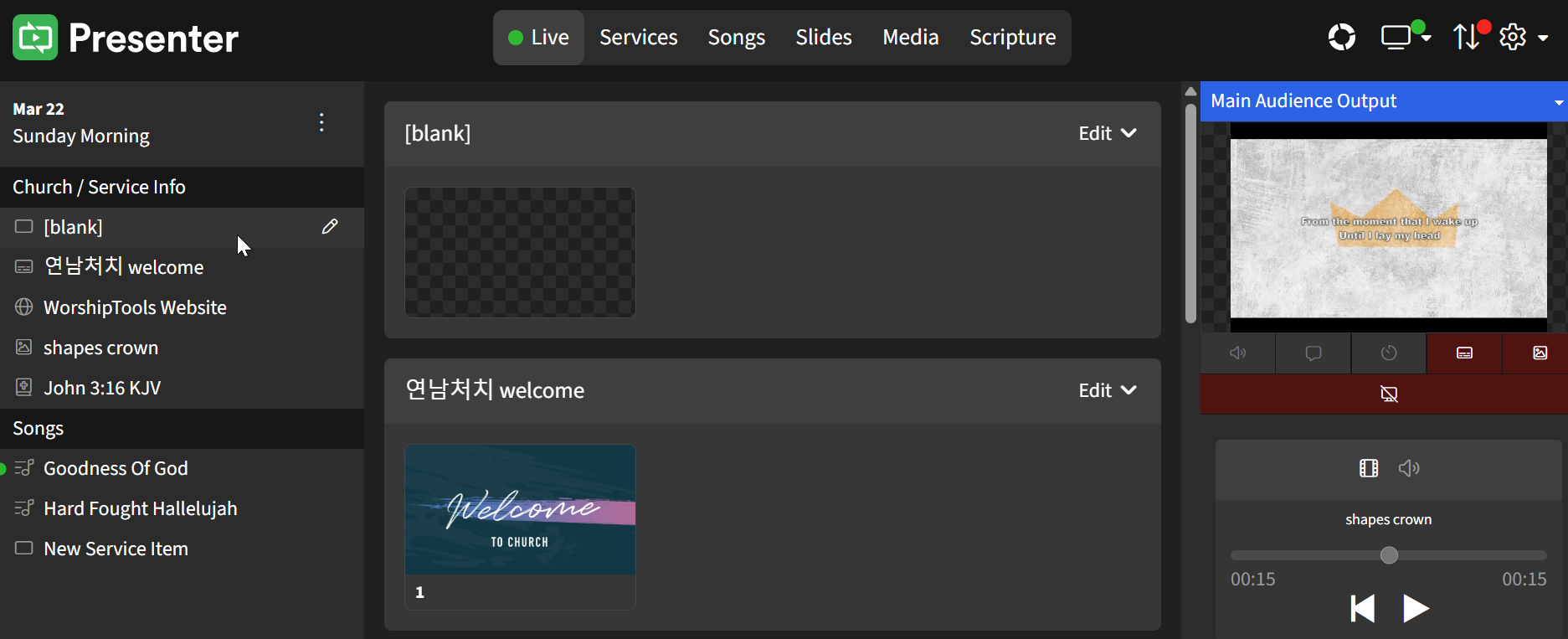
Once in edit mode, a yellow dotted border will appear around the service item, and the view in the middle of the screen will change to display options for editing the service item.
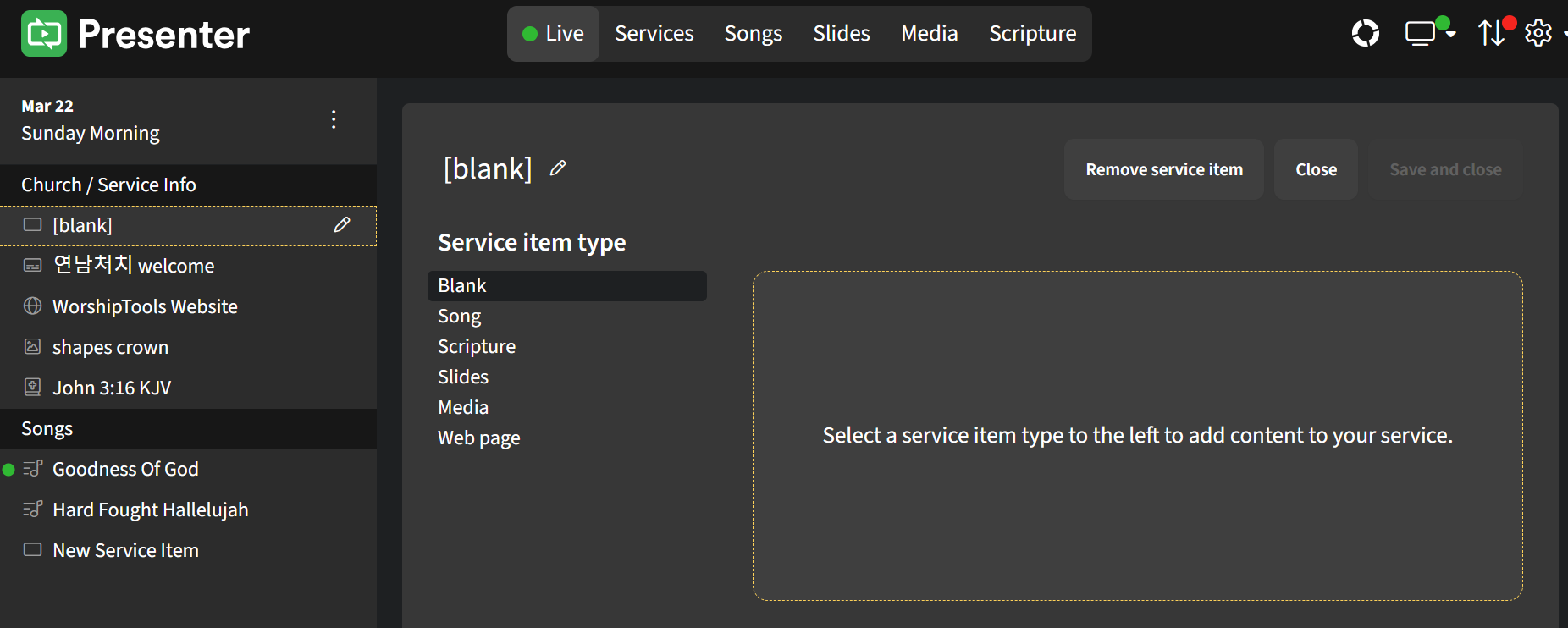
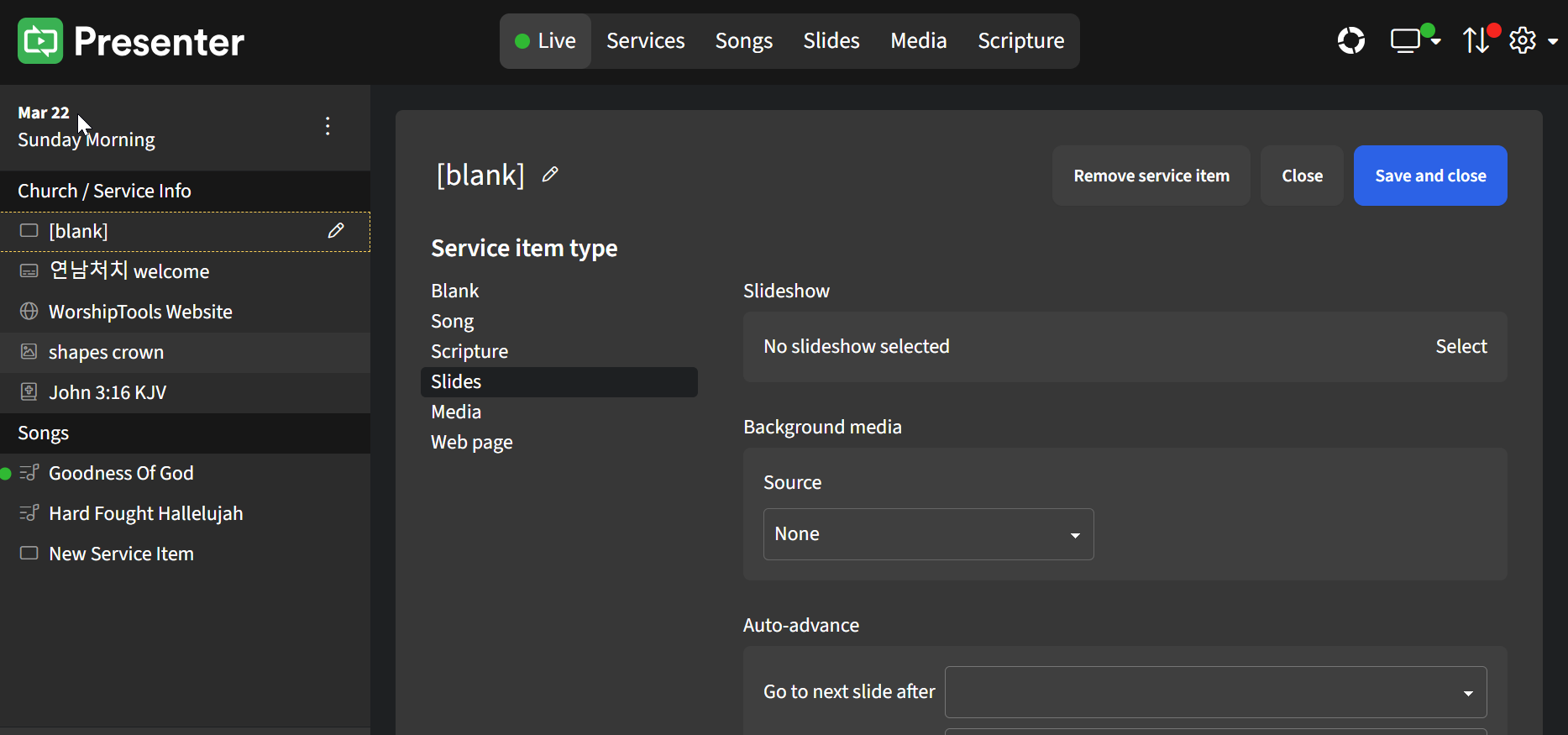
On the editor screen, you can modify the service item type and assign the item's unique settings as desired. Be sure to click Save and Close to apply the changes.
When editing a Scripture service item, you can click the Apply to all Scripture items in this service, which will apply the assigned template to all Scripture service items in your service.