


CCLI® Auto-reporting
WorshipTools will send the songs used in your services directly to CCLI.
Build your order of service, schedule volunteers, and keep your whole team on the same page — all in one place. Spend your week on worship, not paperwork. Free to start, free to stay.
Free forever · No credit card · Web, iOS & Android
The Sunday scramble
Spreadsheets, group texts, and pricey software — just to get everyone on the same page. The night-before chaos pulls you away from the very thing you're planning for.
Built for you
Drag songs, Scripture, and elements into the order you want. Set timings, add notes for the team, and reuse last week's plan as a starting point. It's the order of service — minus the spreadsheet.
End the group-text chaos
Assign every role, and WorshipTools handles the rest — volunteers get an email or text, accept or decline in a tap, and you see exactly who's confirmed at a glance. Automatic reminders mean no more "did you see my message?"

Build once, ready everywhere
Enter your service once and it's everywhere. Songs flow to Presenter for projection, chord charts appear in Charts, and tracks are ready in Rehearse — no duplicate data entry, no fragmented tools.
Practice anywhere
With Planning, your musicians have the tools they need to prepare. Give your team everything they need to come prepared, including direct integration with Rehearse, our all-in-one solution for practicing at home. You can also connect to Apple Music® and Spotify® and easily import charts from CCLI SongSelect® and Loop Community.
Learn More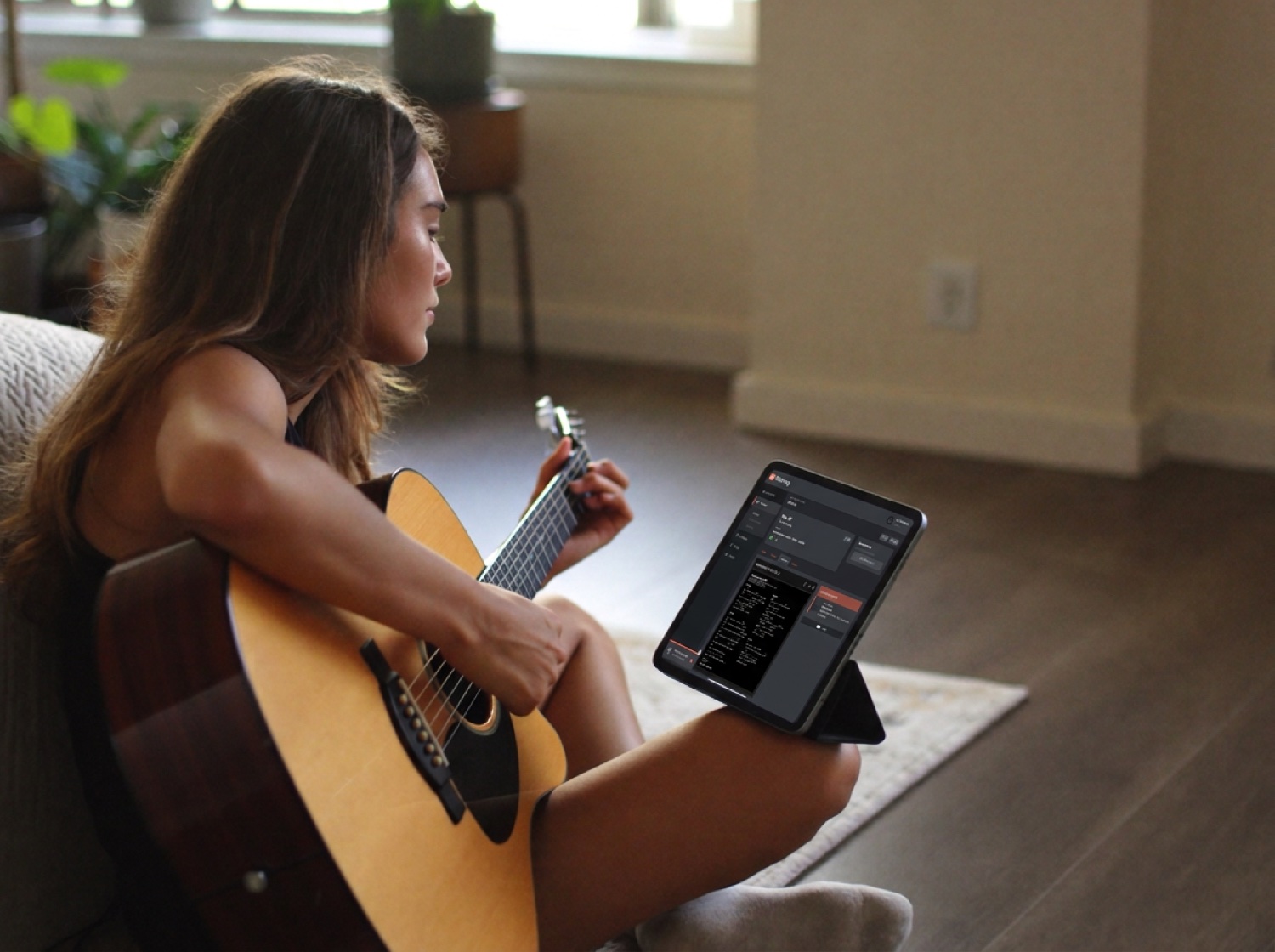
Practice to
 Rehearse
 Spotify
 Charts from CCLI SongSelect
 Charts from Loop Community
Practice anywhere
With Planning, your musicians have the tools they need to prepare. Give your team everything they need to come prepared, including direct integration with Rehearse, our all-in-one solution for practicing at home. You can also connect to Apple Music® and Spotify® and easily import charts from CCLI SongSelect® and Loop Community.
Learn More
WorshipTools will send the songs used in your services directly to CCLI.

Integration with SongSelect® makes adding songs, lyrics and chords amazingly simple. No need to hunt for chord charts or lyrics!

Songs and services sync to the cloud, allowing your worship team to access chord charts in Charts instantly.

Songs and services sync to the cloud, allowing you to open in Presenter, WorshipTools' presentation software.
Why teams love it
Cut the admin busywork so you can pour into people, not paperwork.
One shared plan means volunteers show up prepared and confident.
Simple enough that any volunteer is productive on day one — no training weekend.
Plan on the web, check assignments on the phone — your team uses what they have.
Change a song last minute and it updates for everyone, instantly.
Unlimited services, volunteer scheduling, and CCLI auto-reporting — free forever, with no per-seat fees and no trial timer.
"Planning replaced our spreadsheet, three group texts, and a paid app we couldn't really afford. Our volunteers actually know where to be now."
[Placeholder testimonial — replace with a real quote & attribution.]
Unlimited services and songs, volunteer scheduling, and CCLI auto-reporting are free forever — no per-seat fees, no expiring trial. Pro adds automated reminders, the rehearsal player, more service types, and longer history.
Stress-free, volunteer-friendly worship planning — free to start. Set up your first service today.
Free forever · Web, iOS & Android · Part of the WorshipTools suite
The free plan is free forever — unlimited services and songs, the service builder, volunteer scheduling, messaging, and CCLI auto-reporting, with no card required. It covers up to 10 users and one service type. Pro adds automated service reminders, the rehearsal player, more service types, and longer service and message history.
Plan from any browser, and your volunteers can view assignments and accept or decline from the free iOS and Android apps.
When you schedule someone, they automatically get an email or text with their role and service time. They accept or decline in one tap, and you see their status update live. Automatic reminders go out before the service.
Yes. Your service plan and setlist flow straight into the rest of the WorshipTools suite — songs to Presenter for projection, chord charts to Charts, and tracks to Rehearse — so you enter everything once.
Most teams are up and running the same week — duplicate a service as a template and you've got a reusable plan in minutes. [Confirm available import options from other planning tools.]