Adding Media to Slides
Presenter offers a valuable feature that allows you to enhance your church announcement slides by adding a variety of media backgrounds. This can help create a more engaging and visually appealing experience during your services.
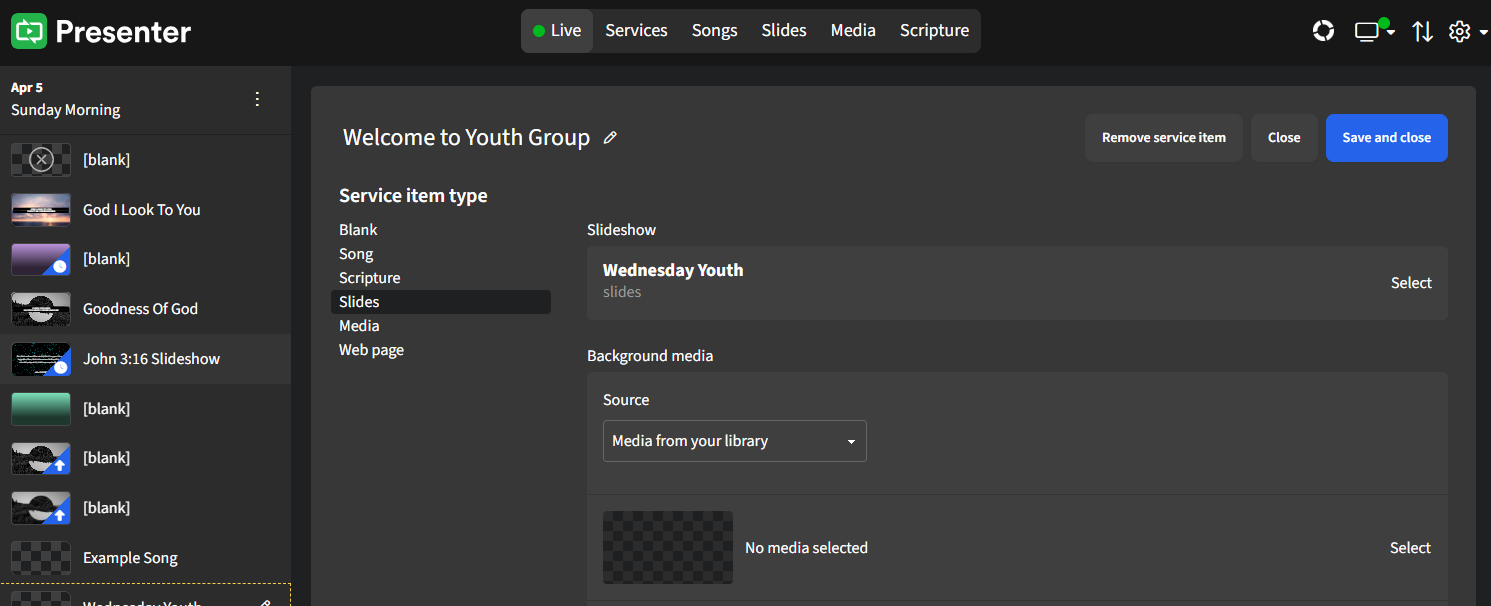
To get started, add a new service item to your service and choose the Slides service item type. Select a Slideshow for this item that is not a Song or Scripture slide. Next, in the Background media section of this item, choose Media from your library from the Source drop-down. Then click Select to open your media library.
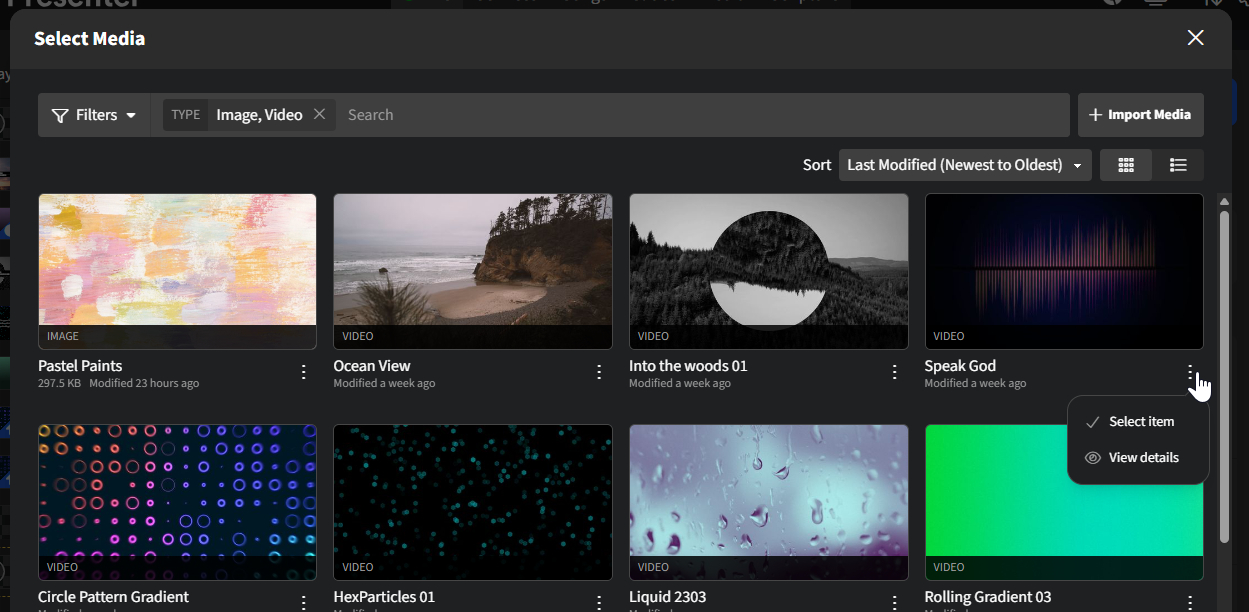
Locate the media item for your slide, then click its ellipses, then Select item.
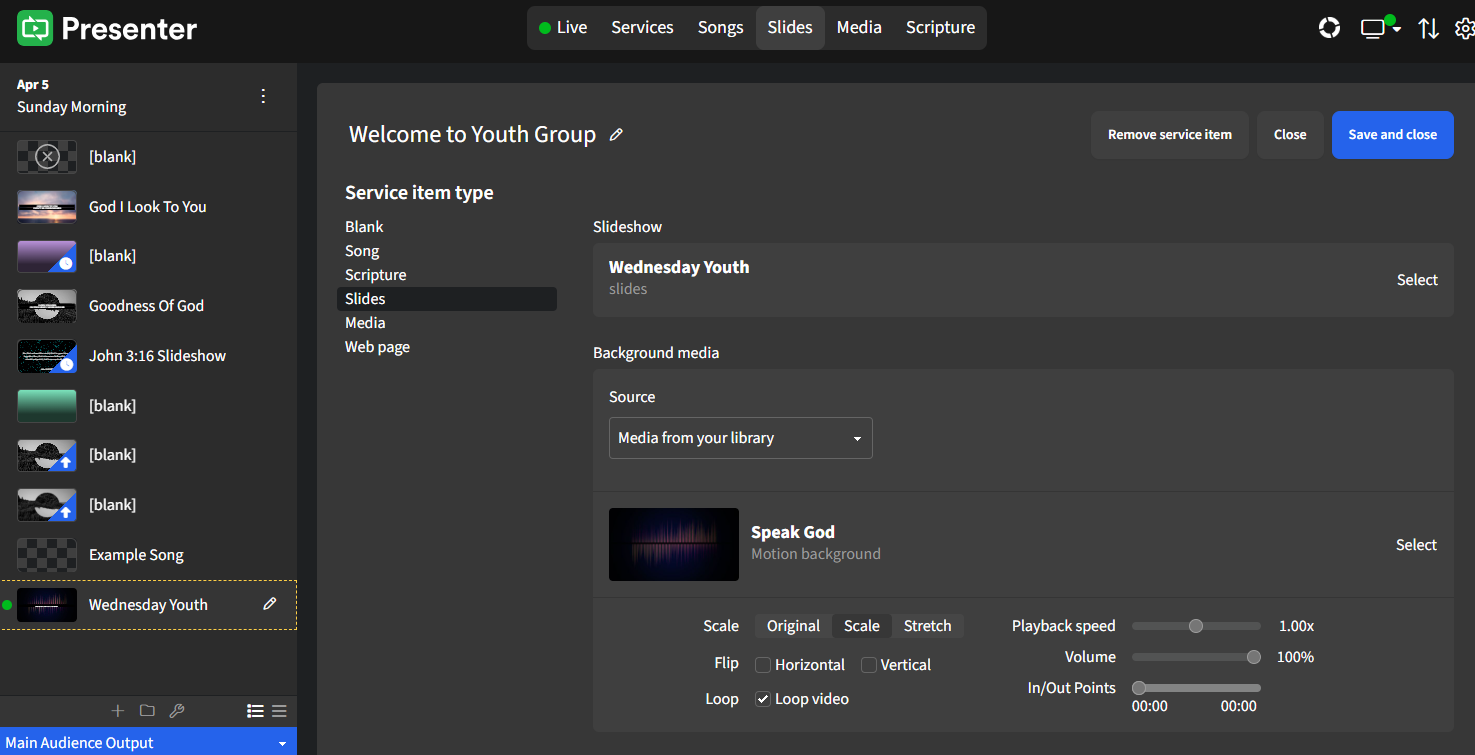
The selected media background has been added to the welcome slide. Click Save and close to add this item to your service.